
LumiSync™ Immersive TV Backlight
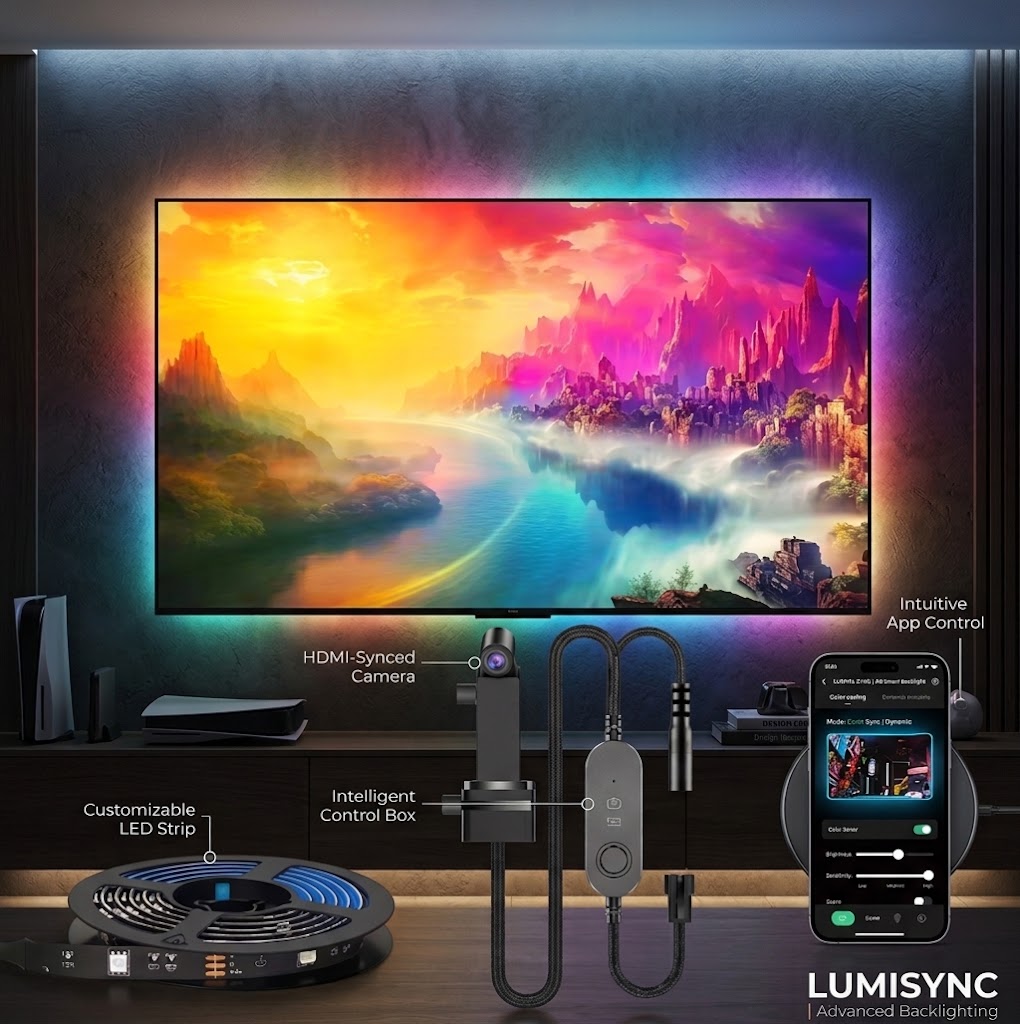
The room reacts to your screen — nothing to rewire. A small camera reads the colours on your panel and mirrors them onto the wall behind it. One 3.8 m / 12.5 ft strip. Works with whatever is already on screen.
Taxes and shipping calculated at checkout.
Native Shopify product form, cart drawer and dynamic checkout.
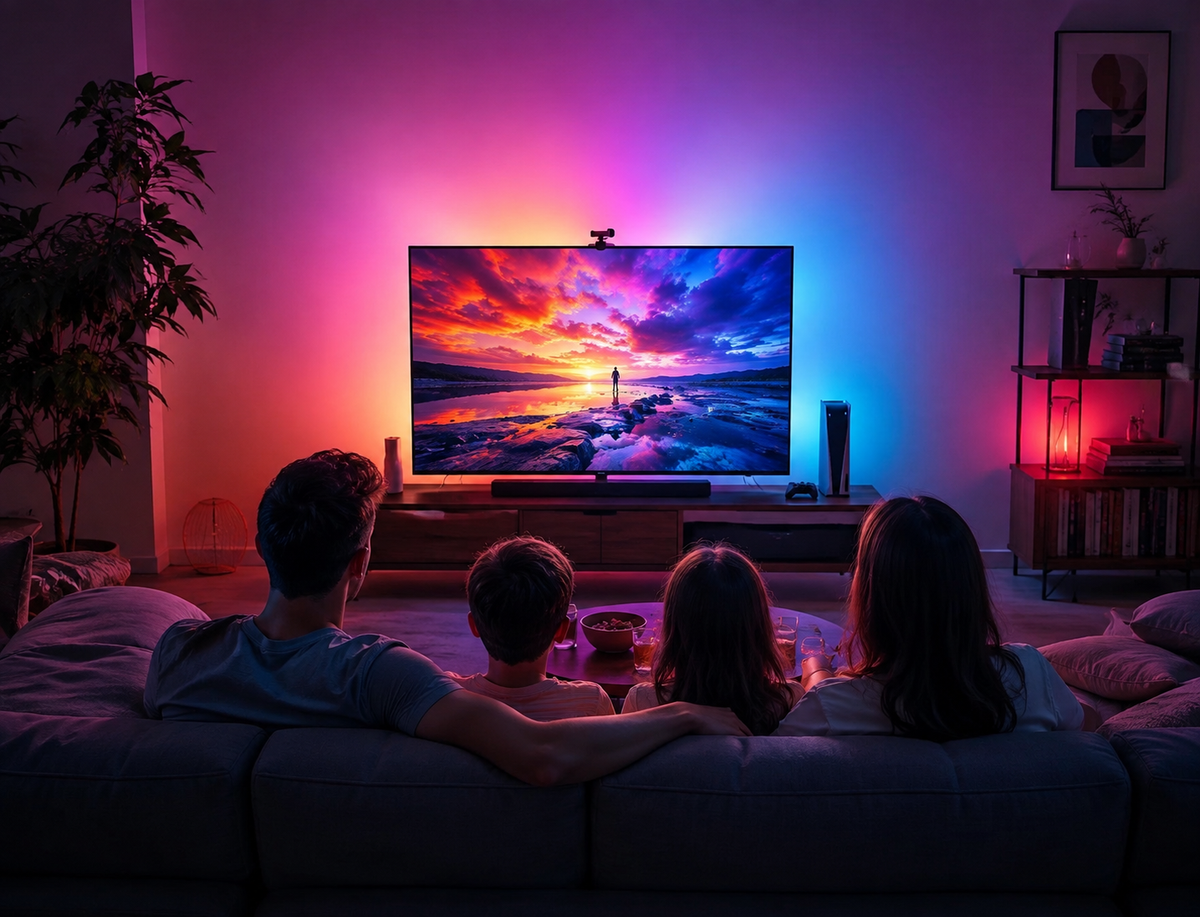
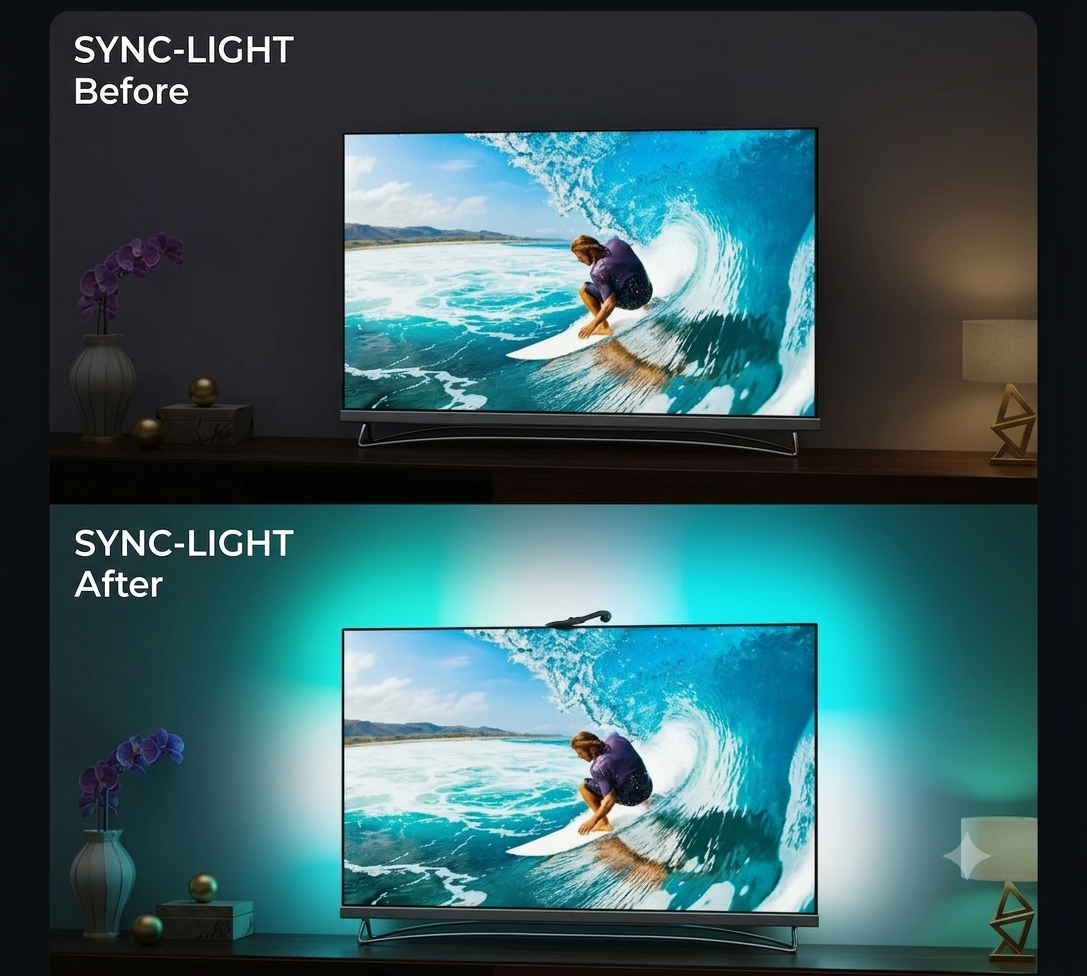
Lights off. Great scene. And a black rectangle floating on a dark wall.
Two things send people looking for this at 10pm. The picture is the only thing in the room, so your eyes work overtime against the dark wall behind it. And the scene stops dead at the bezel — the explosion, the ocean, the sunset, all of it trapped inside 55 inches of glass.
Ambient light behind a screen is the old fix — forum regulars have recommended a lamp or a plain white strip behind the TV for years to cut eye strain and deepen perceived blacks. It works. It just sits there at one colour while the film moves.
Eye strain at 10pm
A bright panel against a dark wall makes your pupils fight the difference. Raising the light immediately behind the screen is the standard answer, and it has been for as long as forums have argued about it.
The scene stops at the bezel
Reviewers who live with reactive backlights describe the same thing — the picture feels larger than the panel, because the wall carries the colour outward.
The alternative is a lamp
A lamp or a single-colour strip does the eye-strain job and nothing else. It sits at one temperature while the film changes every few seconds.
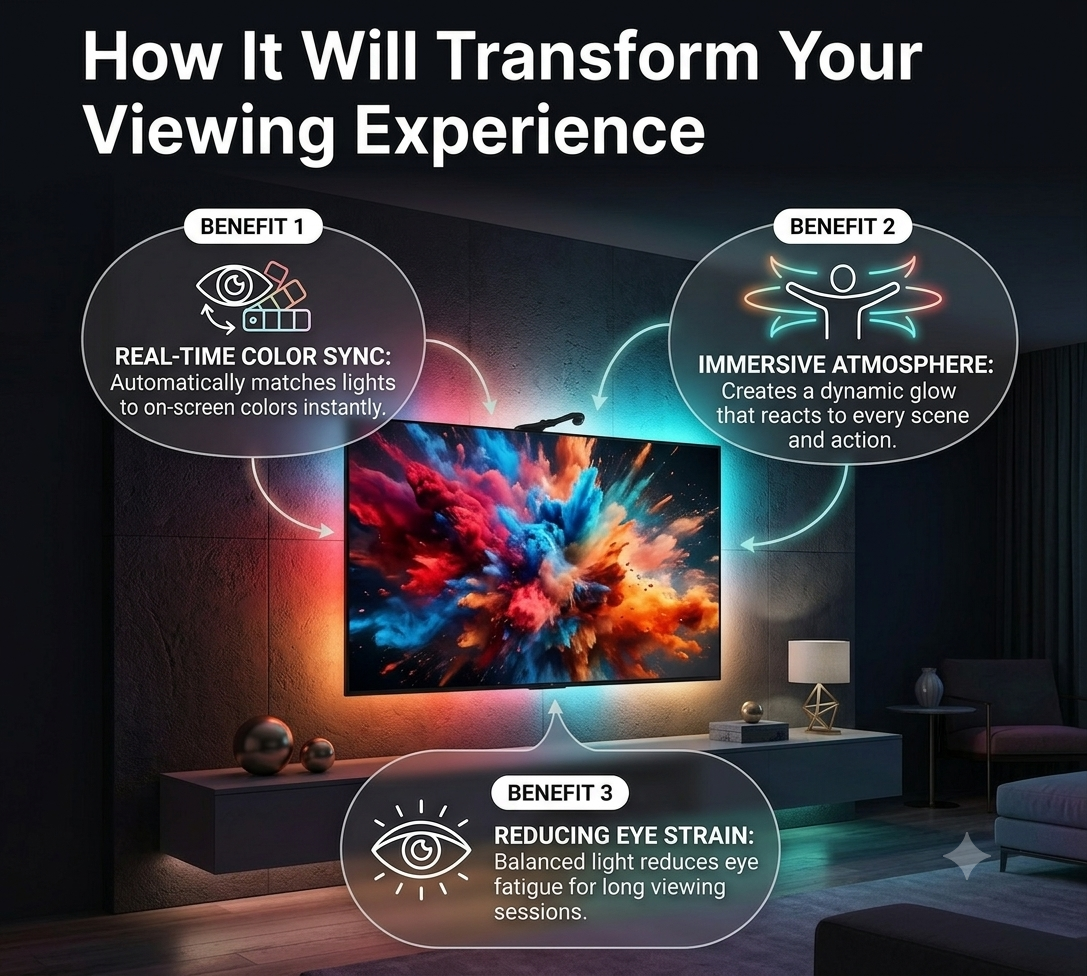
A camera watches the screen. The strip repeats what it sees.
No source switching, nothing to reconfigure when you change inputs. The camera looks at the panel from above, samples the colour across it, and the strip behind the TV lights the wall to match — in real time, as the scene moves.
The camera looks at your screen
Mounted above the panel and angled down, it samples colour across the picture rather than tapping the video signal. Nothing sits between your devices and the TV.
The strip repeats it on the wall
The 12.5 ft run behind the panel lights to match what the camera reads, and keeps changing as the scene does.
You trim it in the app
Colour settings and sensitivity live in the companion app, so you can pull the reaction back until it supports the picture instead of competing with it.

Supplier-supplied illustration, used here as a stand-in. Slot flagged for our own capture before launch.
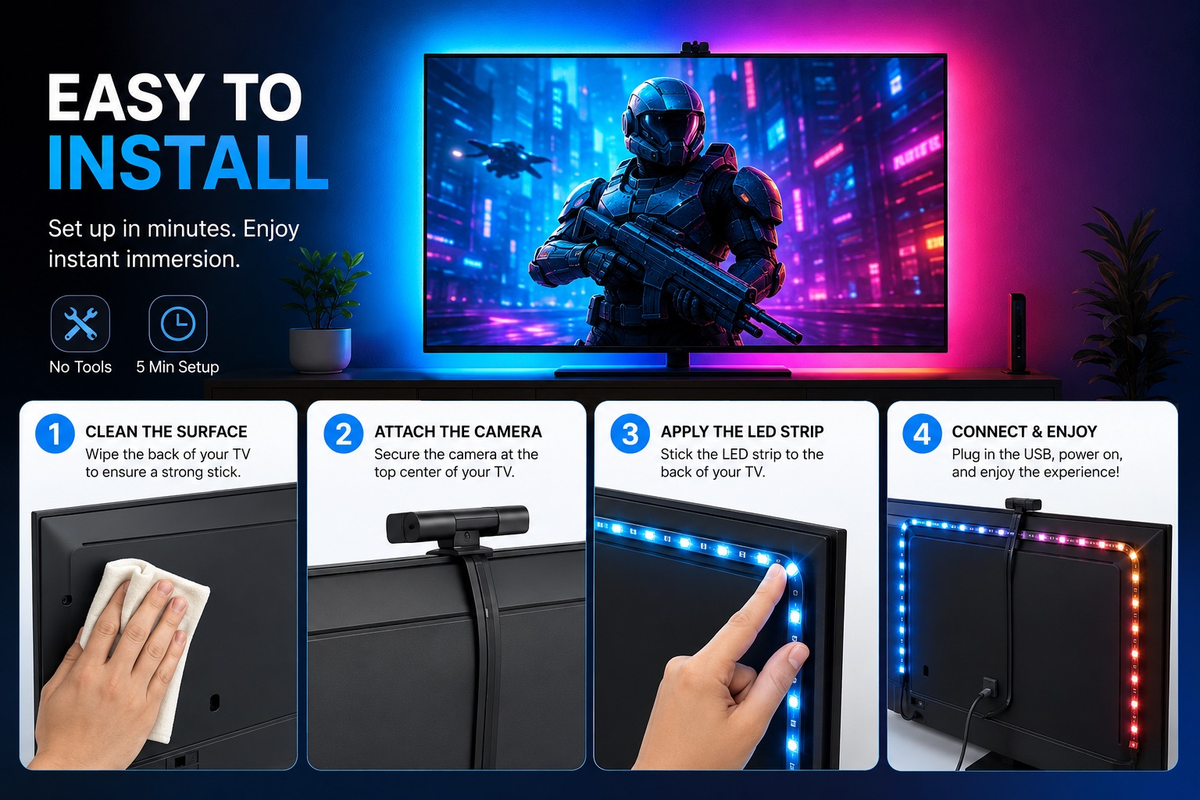
In the box, and on the wall in about ten minutes.
Wipe the back of the panel first
Dust and the factory release film are the two reasons strip adhesive lets go early. Clean, dry, then peel.
Inset the run 1-2 inches from the edge
Sitting the strip right on the edge is what makes individual LED dots visible from the side. Pull it inward and the wall does the diffusing for you.
Ease the corners, do not fold them hard
A sharp 90-degree bend puts tension on the tape and it will lift within weeks. Curve it and let the corner sit flat.
Mount the camera, then calibrate once
Position it above the panel looking down at the screen, then run the calibration in the app in the light you actually watch in. This step is what separates a good result from a bad one.

What comes with a new purchase
Three ways to solve this. Camera sync is one of them.
A plain bias strip is cheap and never changes colour. Doing nothing costs nothing. Here is where this kit actually sits.
| Criteria | LumiSync (camera) | Static bias strip | Nothing |
|---|---|---|---|
| Follows what is on screen | Yes — camera reads the panel | No, one fixed colour | No |
| Works with the TV's own apps | Yes, the source is irrelevant | n/a | n/a |
| Rewiring needed | None | None | None |
| Affected by room light | Yes — dim rooms read best | No | n/a |
| Typical price | This kit | Roughly $10-30 | $0 |
| Setup | Clean, peel, mount camera, calibrate once | Peel and plug | None |
Comparison price points are public list prices observed August 2026 and change without notice. Only the LumiSync price is live from this store.
Four things worth knowing before it arrives.
Dim rooms read best
This is a night-time upgrade. With lamps on or a window behind the TV the camera has less to work with and the effect flattens.
Calibration is not optional
Owners of camera-based kits split hard into two camps, and the line between them is almost always whether they calibrated properly in the light they watch in.
The camera is visible
It sits above the panel in your sightline. Slim, but there. If a completely clean bezel matters more to you than the effect, this is not the right upgrade and we would rather say so.
Your picture does not change
This lights the room, not the screen. Perceived contrast improves because the wall is no longer black — the panel itself is untouched.
Questions people actually ask.
Where something is genuinely unconfirmed, it is marked as such rather than guessed at.
Anything visible on the panel. The camera samples the screen from outside, so the source never matters — the TV's own apps, a console, cable, a laptop, a phone cast. Nothing sits between your devices and the TV, and there is no input to re-select.
The kit is one 3.8 m / 12.5 ft strip. That reaches all four sides of panels up to about 55 inches, and three sides — top and both edges — up to about 75. Above 75 inches even a three-sided route runs short, so measure the perimeter of your panel before ordering.
It reads best in a dim room, which is also when you want it. Bright lamps or a window washing the panel give the camera a weaker signal, and a bright wall behind the TV mutes the effect. Turning the sensitivity up in the app helps; it will not beat daylight.
Yes. The module sits above the panel looking down at the screen, so it is in your sightline from the front. Most people stop noticing it within a day, but it is not invisible and we would rather you knew now.
The kit shows a strip, a camera module and a controller. The connector standard, input voltage and whether it draws from a TV USB port or a wall adapter are not confirmed from the supplier data on file.
UNRESOLVED — power input, connector type, LED count/density and RGB vs RGBIC addressing all missing from product data. Do not publish a claim here.
Shipping is flat-rate and calculated at checkout, where you will also see the delivery estimate for your address. Orders are processed in 1-2 business days and tracking is emailed the moment the parcel is dispatched.
You have 14 days from delivery. The kit needs to be unused and back in its original packaging. Email quanmediabuyer@gmail.com and we will send you a return label — we cover return shipping — then you choose a replacement or a refund. If it turns up damaged or dead on arrival, email a photo instead of shipping it back and we will send a replacement.
Measure once, then let the wall do the rest.
One 12.5 ft run, a camera that reads whatever is already on screen, and an app to dial the sensitivity back until it feels right. If your panel is too big for a four-sided run, go three-sided — it is the same kit.